BLE Performance: Throughput, Latency and Battery Life
Coordinate MTU, Data Length, PHY and Connection Parameter and create a measurable balance between speed, delay, stability and energy.
Contents
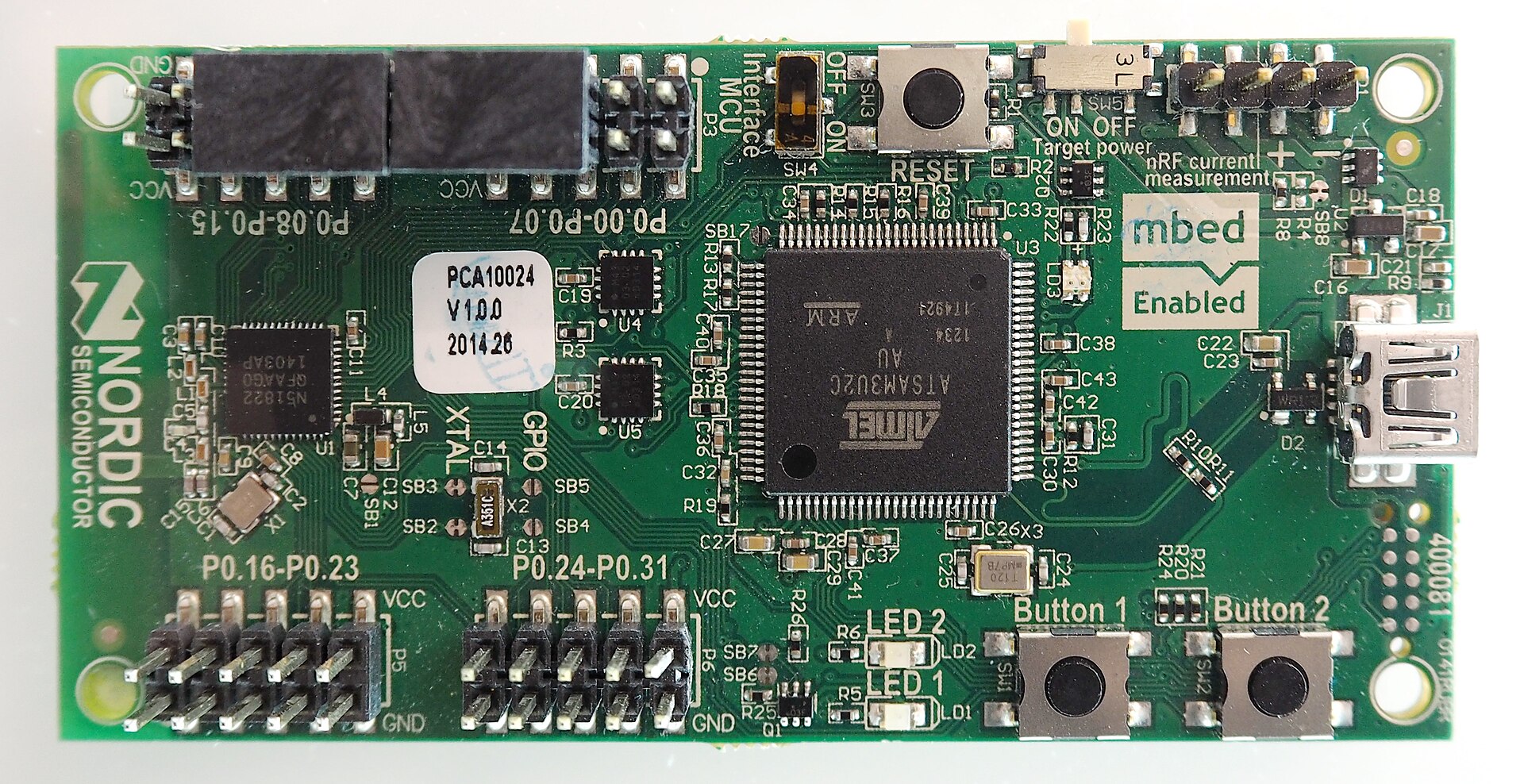

BLE optimization doesn't have a magic button. Enlarging the MTU, going to 2M or shortening the Interval is useful only when the buffer, data length, link quality and processing power of both sides are in harmony.
MTU and Data Length
A larger MTU reduces the number of ATT overheads for bulk data. Data Length Extension allows more payload to fit in a Link Layer packet. If one remains large and the other small, L2CAP fragments the data and the gain is limited. Read the actual negotiated sizes from Capture.
PHY Update
2M reduces the time on the air and can improve the speed and energy of each byte in a strong link. Coded PHY is for range and sensitivity, not speed. Measure PHY decision with Packet Error Rate and Retransmission; High nominal speed on weak link may give worse result.
Connection Parameters
Short Interval gives more time to send and Latency reduces the command, but the wake of the radio increases. Peripheral Latency is useful for low traffic sensor. The number of packets that can be sent in each event also depends on the controller and the Central operating system.
Measurement method
Define a fixed payload and test duration. Record successful application bytes, percentage delay, average current, peak current, RSSI and number of retransmissions. Change only one parameter at a time and repeat the test for near, far and with Wi-Fi conditions.
Two practical profiles
Interactive profile: short interval, zero latency and 2M if the link is suitable. Battery consuming sensor profile: Longer Interval, Allowed Latency and Notify only when changed. The device can be switched from the interactive profile to the low-power profile after the settings are finished.
Calculate the useful rate and battery life with the correct unit
If the receiver receives 20 messages per second with 200 bytes of valid application data, the useful rate is 4000 bytes per second, or 32 kbps. This number does not conflict with a PHY of one or two megabits; PHY does not include overhead and application time opportunities.
useful_rate = valid_payload_bytes / elapsed_seconds
Iavg = sum(current_i * duration_i) / total_duration
For a purely computational example, 50mA for 3ms and 0.01mA for 997ms gives an average of about 0.16mA. The nominal capacity of 220 mAh divided by this current is about 1375 hours; This ideal estimate does not cover regulator consumption, battery temperature, capacity loss and self-discharge, and is not a true measurement of any board.
Record the valid output, sample loss and percent delay next to the average current. Minimizing consumption with data loss or unacceptable delay is not considered a successful optimization.
Question and answer article
Ask your technical question
Questions and answers are published after moderation. Authors can see their own pending drafts.
No confirmed questions have been registered for this article yet.