BLE Debugging with nRF Connect, Sniffers and Wireshark
Scan the device and test GATT with nRF Connect, capture, filter packets in Wireshark and measure RSSI and Throughput.
Contents
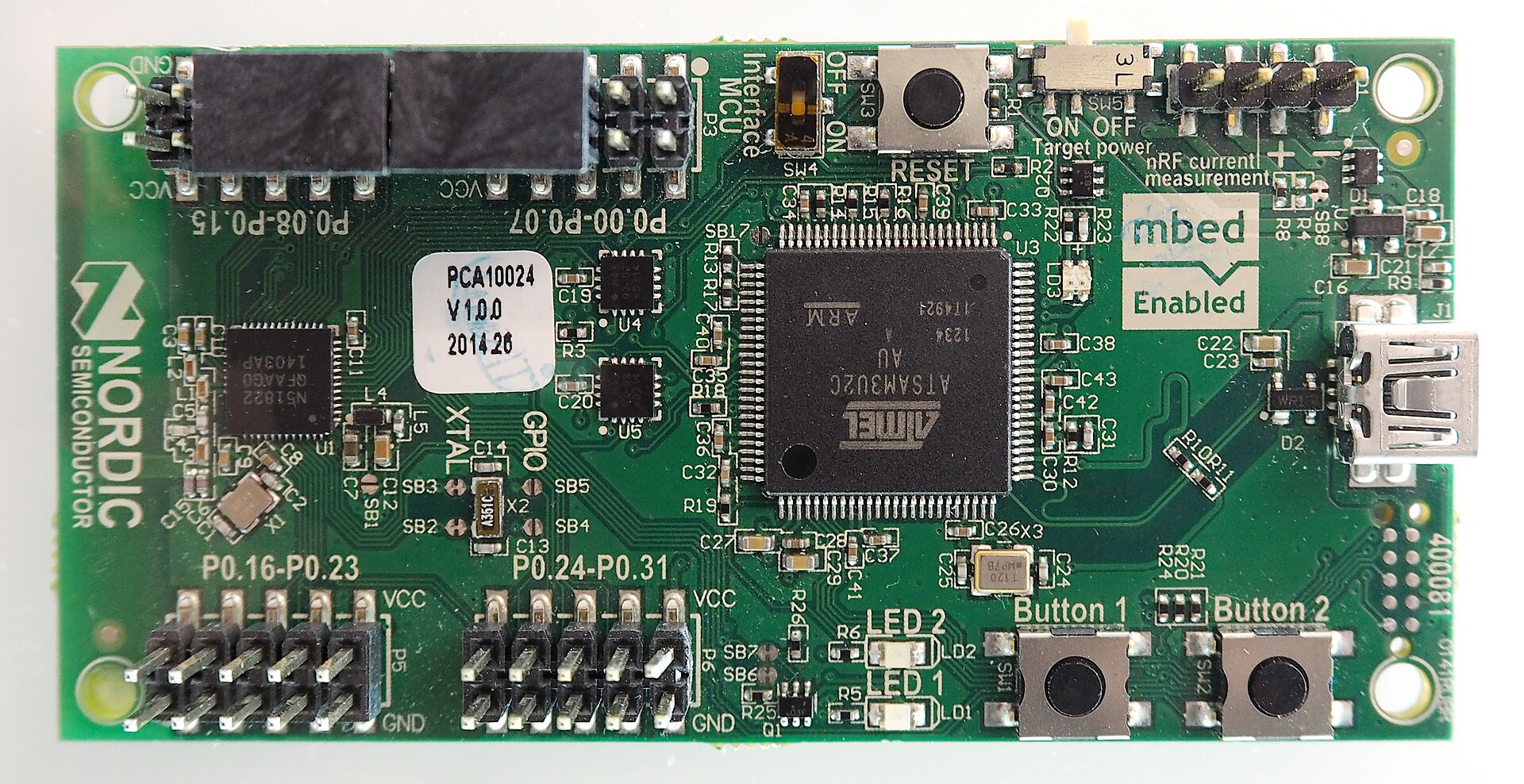

Debugging BLE without seeing evidence usually becomes guesswork. The mobile tool shows the GATT status, Sniffer captures the packet over the air, and Wireshark decodes the layers. Professional RF tools are used for lower-protocol problems.
nRF Connect
See Name, Address, RSSI and AD Structure with Scanner. After connecting, Discover Services, Read and Write Value and enable CCCD for Notify. Log the events so that the cutoff time, MTU and permission error are known.
Sniffer and Capture
Sniffer must find the advertising channel of the target device and take the necessary parameters to track channel hopping at the time of connection. Incomplete capture may be due to late start, long distance, interference, or encryption. Place the sniffer close to the devices but with a non-saturated signal level.
Wireshark
Make the display filter in stages: first the device, then the ATT or SMP protocol, and then the desired Opcode. Add the Handle, Length, and Time Delta columns. Look for the first error; Subsequent errors may just be the result of the first occurrence.
RSSI and Throughput
RSSI is an estimate of received power and is not an exact distance meter. Record it in multiple positions and orientations. Measure throughput by counting functional bytes per time slot, not PHY speed. Write Retransmission, MTU, Interval and mobile limit in the report.
Disconnection debug routine
Record the exact time of the disconnection, start Capture in advance, find the last Connection Event and Reason and write the RSSI next to it. Then change only one variable like distance, Interval or Timeout. The simultaneous change of several factors makes the result uninterpretable.
From a specific filter to the first error
After you've captured your test device, these display filters are useful for getting started. The names of the fields depend on the version of Wireshark and must be recognized in the filter bar of the same version.
btatt
btatt.opcode == 0x0a
btatt.opcode == 0x1b
btsmp
The second filter separates Read Request and the third Handle Value Notification. The display filter does not restore data lost during recording. If the sniffer is not following the connection or the authorized decryption is not possible, not seeing an ATT does not mean there is no traffic.
RSSI is the estimated received power in dBm. Also record the disconnection reason from the Host or HCI log; Timeout alone does not prove that the antenna is broken. The joint time of sensor log, mobile and Capture helps to determine the sequence of events.
Question and answer article
Ask your technical question
Questions and answers are published after moderation. Authors can see their own pending drafts.
No confirmed questions have been registered for this article yet.