Beginner BLE Projects: LED, Temperature, Battery and Beacons
Start six simple BLE projects with ESP32: LED control, thermometer, battery monitor, hygrometer, Beacon and send data to mobile.
Contents
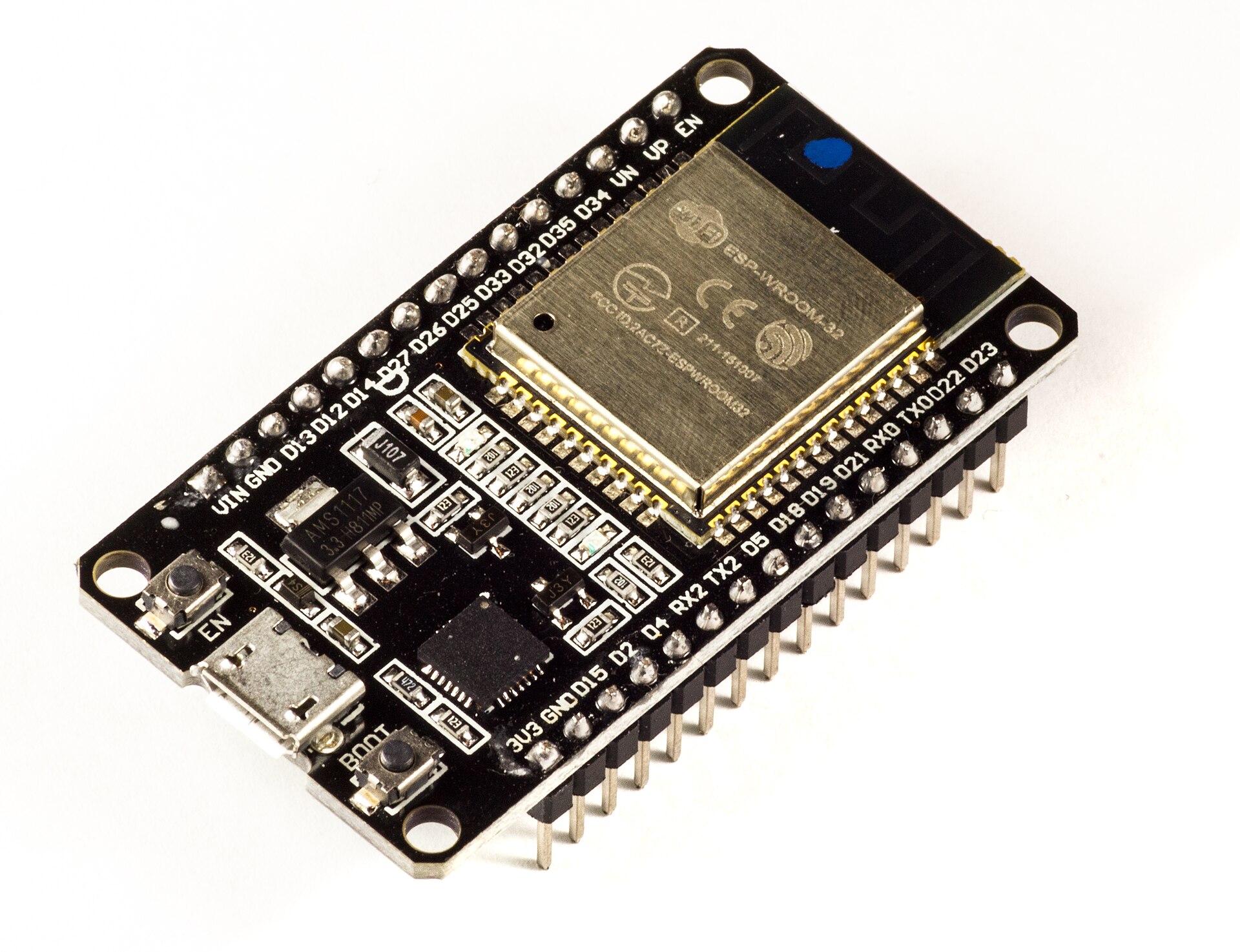

In basic projects, the goal is not to build a complete product; The goal is to go through the "hardware, GATT, mobile, and debug" loop a few times with controlled complexity. Every project should have a visible output and a clear measure of success.
LED control
Create a Characteristic with Write and convert the value of zero or one to GPIO. Check input length and allowed value. Return the actual state of the LED with Read or Notify so that the mobile app doesn't just rely on the sent command.
Thermometer and hygrometer
Read the SHT31 with I2C, check the error and CRC of the sensor and convert the data to a scaled integer. Create two Characteristics or a versioned Payload. Send Notify only after enabling CCCD and at a reasonable rate.
Monitor battery
Read and calibrate battery voltage with resistive divider and ADC. Battery percentage is not just a linear conversion of voltage and depends on cell chemistry and load. Standard Battery Service with an approximate level is enough to start; Write estimate limit in UI.
Beacon and Mobile
Create a non-bindable advertisement with an ID and short data. Change Interval and TX Power and note the effect on RSSI and detection time. Then test the connected projects without writing a dedicated app with Service and Characteristic mobile tools.
Suggested order of execution
First, make the LED to learn Write. Then add the thermometer for Read and Notify. Next, test Battery Service and finally Beacon without connection. Keep a short Capture and error table for each project to consolidate knowledge from previous steps.
Write the acceptance and rejection criteria for the LED project
| Test input | Expected behavior of the example design |
|---|---|
| A byte of 0 or 1 | valid command; Match the read state with the actual output. |
| Empty data, two bytes or value 2 | reject without changing the output; A detectable error will be sent to the client. |
| Disconnect or reset | The default status of the output is specified according to the contract; Don't run the old unwanted command. |
Don't just send a number for the thermometer either; Include the validity, sample number and time of the last valid data in the contract. The sensor error should not become a valid zero degree. Before controlling a relay or high-power load, check the same behavior with your low-power LED and safe hardware.
Question and answer article
Ask your technical question
Questions and answers are published after moderation. Authors can see their own pending drafts.
No confirmed questions have been registered for this article yet.