Intermediate BLE Projects: Wi-Fi Setup, ESP32 Links and Mobile Apps
Configure Wi-Fi information with BLE, connect two ESP32s, build Android apps, save settings and manage disconnects and disconnects.
Contents
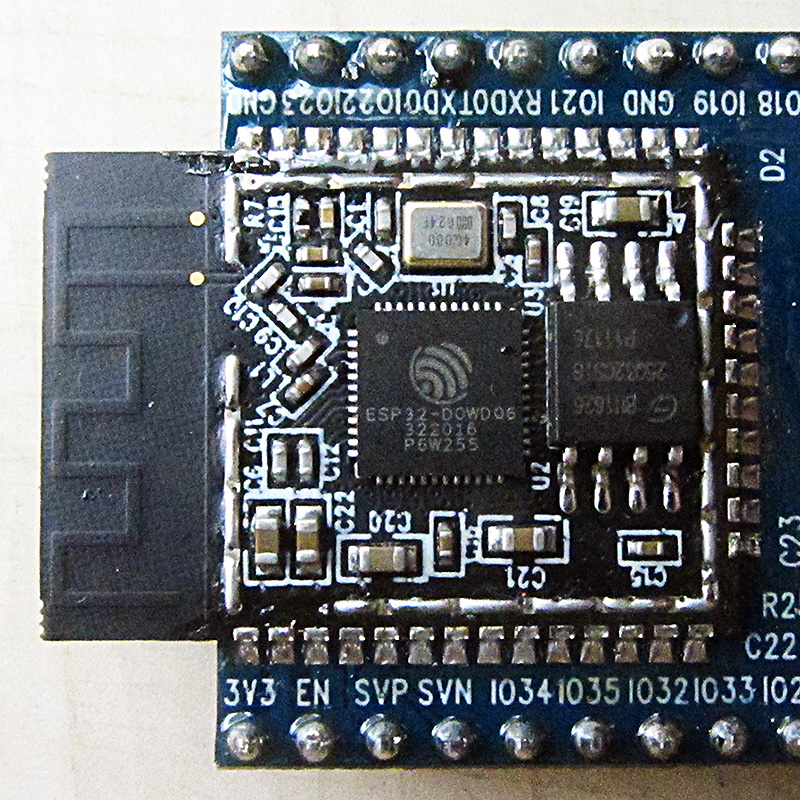

At the intermediate level, the main problem is no longer sending a number; You need to manage state, error, storage, and user experience. The device may turn off in the middle of setting up Wi-Fi, the mobile may not allow scanning, or the connection may be disconnected in the middle of work.
Wi-Fi setup via BLE
The device provides a secure service in Setup mode. The mobile sends the SSID and Credential to the controlled parts, the device validates the template and stores it in the secure memory, and notifies the connection result. Do not print sensitive data in Advertising or Log.
Connection of two ESP32
One Peripheral board is the sensor and the other board is Central or Gateway. Central will filter by UUID, perform Discover and try again with Backoff after aborting. Separate the State Machine from the Sensor Task so that link instability does not stop the entire application.
Mobile application
The app should manage OS version, Scan timeout, device filter, show connection status and Unsubscribe permissions. Queue GATT operations; Executing multiple Reads and Writes at the same time is not reliable in many mobile APIs.
Save settings and reconnect
Save the settings with Version and CRC and return invalid value to default. Reconnect drains the battery infinitely and quickly. Define backoff, attempt limit and option to re-enter Setup Mode.
Simple Provisioning Protocol
Consider four characteristics for Command, SSID, Credential and Status. The mobile first creates a secure session, writes the fields and gives the Connect command. The device notifies the states of validating, connecting, success or error-code. After success, limit the Setup service.
Design provisioning with a recoverable state machine
- Setup can only be activated by local action or owner registration policy.
- Make certified mobile phones and meeting devices.
- Check the format, length and scope of the credential; The password is not in Advertising or log.
- Report the state of Wi-Fi connection with a specified error code.
- After success, the Setup window is closed or limited; Failure can be tried again.
The four characteristics alone do not make a secure protocol. For ESP-IDF, check the official Wi-Fi Provisioning Framework and Security Scheme corresponding to the version; Do not add proprietary encryption without review. CRC settings only help detect accidental corruption and do not replace key authentication or protection.
Question and answer article
Ask your technical question
Questions and answers are published after moderation. Authors can see their own pending drafts.
No confirmed questions have been registered for this article yet.