Waveshare brings touch controls and sound to the Arduino UNO Q
Waveshare’s UNO-Q-DSI-TOUCH-10.1A display attaches directly to the Arduino UNO Q small computer, adding a touchscreen and audio output. A maker could put a device’s control buttons on this screen. Software setup is required, and the display does not support the VENTUNO Q.
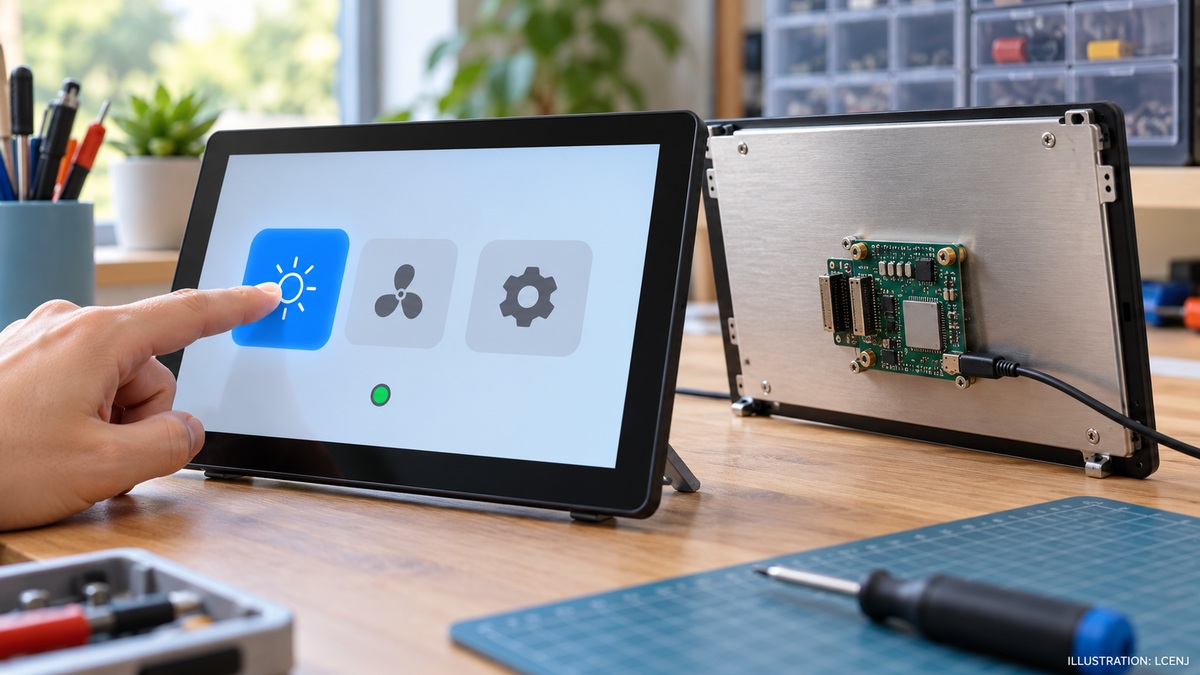
Front and rear views of a touchscreen with a small controller on its back and a hand touching an on-screen button.
View full-size imageWhy connect the computer directly?
CNX Software covered this 10.1-inch display on 31 October. The Arduino UNO Q is a small computer used to run programs and control project hardware. Here it mounts on the display’s rear carrier, removing the need for a separate flat display cable.
What else is included?
The assembly includes two speakers and two camera connections. Waveshare’s instructions support only IMX219 cameras on those connections; a connector does not establish compatibility with every camera. The UNO Q and camera are separate purchases unless included in the selected bundle.
What needs checking before use?
Waveshare warns that older UNO Q software may lack the required files. The external carrier and display must be enabled in Arduino App Lab. Simultaneous touch support also depends on the software. The company explicitly excludes VENTUNO Q compatibility. Power must be disconnected before attaching or removing the parts.