ESP32 BLE with NimBLE: Peripheral, Central and Notifications
Compare NimBLE and Bluedroid stack and implement scanning, connection, GATT Server, Read, Write, Notify and power management in ESP32.
Contents
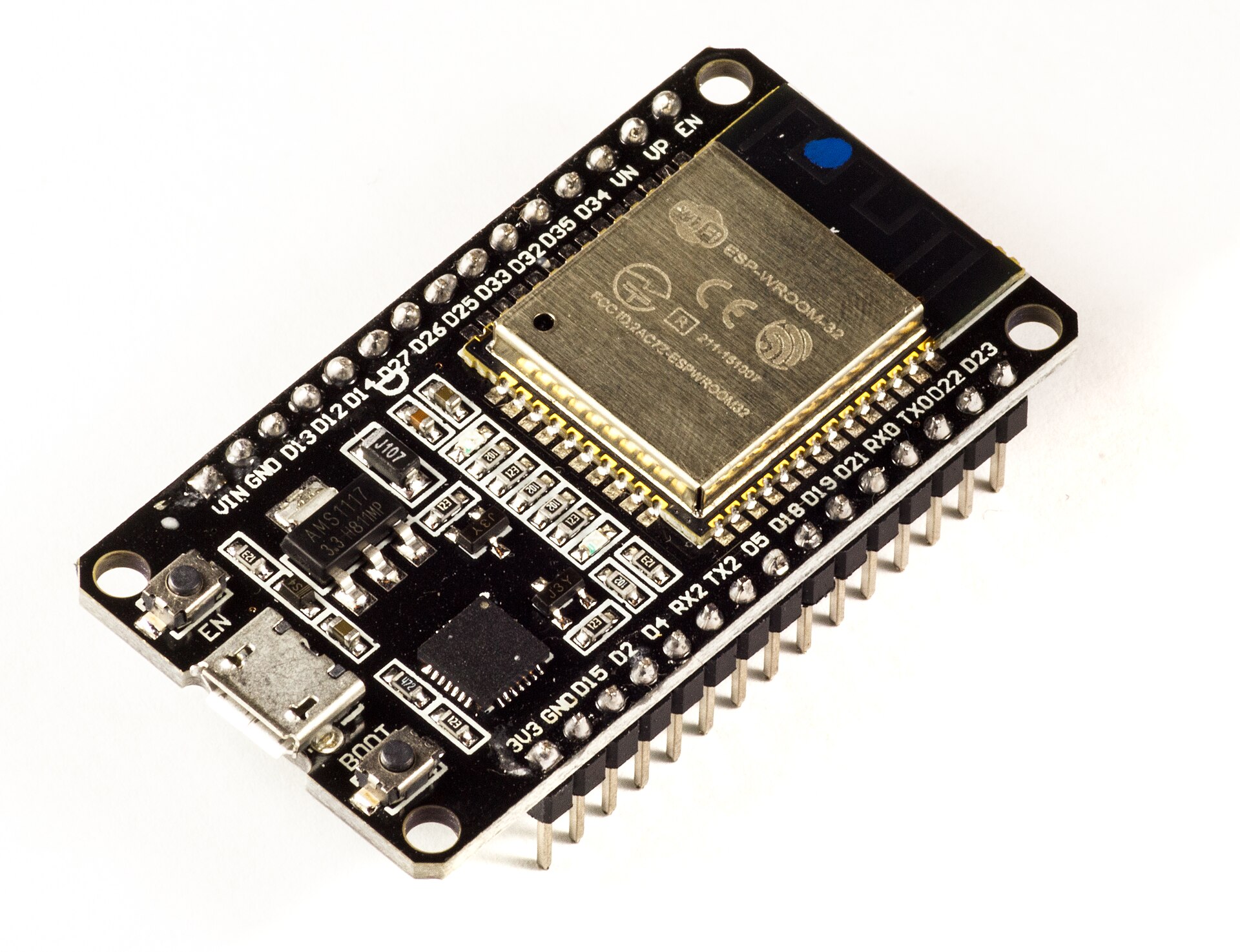

The ESP32 family is a quick way to turn BLE concepts into real projects. ESP-IDF offers Bluedroid and NimBLE stacks depending on chip model and SDK version. On ESP32 Classic, Bluedroid supports Classic and LE; NimBLE is for LE. Make the choice based on capability and memory.
Bluedroid or NimBLE?
On the classic ESP32 dual-mode chip, you can check Bluedroid for Bluetooth Classic and LE; Stack selection does not add new hardware capability to S2, S3, or C3. For a BLE-only product, NimBLE typically requires less RAM and Flash and has a specific API for GAP and GATT. Before copying the old example, check the version of ESP-IDF and the documentation for the same version.
Peripheral manufacturing
Set up Controller and Host, register GAP callback or event handler, create Service and Characteristic and start Advertising after GATT is ready. Log connect, disconnect, MTU change and CCCD write events. After stopping, restart Advertising according to product policy.
Central construction
Central limits the scan with a UUID or Manufacturer Data filter, connects the device, discovers the service and characteristic, and writes the CCCD if needed. Address randomness and address changes make relying on the address string to identify the product not always correct.
Notify and multiple connections
Before Notify, check that the client has enabled it and that the connection is still valid. For multiple connections, keep the CCCD state, connection handle, MTU and send queue separate. Adjust and measure Advertising Interval, Connection Parameter, Light Sleep and Sampling Time together in the battery consuming product.
Simple logic of ESP32-C3 thermometer
Read the SHT31 every second, convert the temperature to int16 with hundredth degree scale and send Notify only if the value changes significantly. Set Interval Characteristic to Writeable and save the value in NVS. I2C errors and disconnections should not stop the main loop.
Determine the exact ESP32 model before choosing a stack
| family | The important border of this training |
|---|---|
| Classic ESP32 | It has Bluetooth Classic and LE; Don't infer the new LE's capabilities from the family name. |
| ESP32-S2 | It does not have a built-in Bluetooth radio; BLE example cannot be run directly on it. |
| ESP32-S3 and ESP32-C3 | have Bluetooth LE; Classic does not extend to them. |
Choosing Bluedroid does not add Classic hardware capability to a chip that lacks it. The SDK version, Host, Controller and build options must be the same as the Target. To get started, grab the official bleprph or blecent instance of the same version of ESP-IDF from the developer repository, and then add your service.
In Write setting the sampling interval, first control the input length and range; Do not send Notify on broken connection and keep CCCD subscription for each connection. It is not necessary to write NVS in each sensor instance; Save the settings when the change is valid.
Question and answer article
Ask your technical question
Questions and answers are published after moderation. Authors can see their own pending drafts.
No confirmed questions have been registered for this article yet.