Open a circuit design in a browser without installing a design program
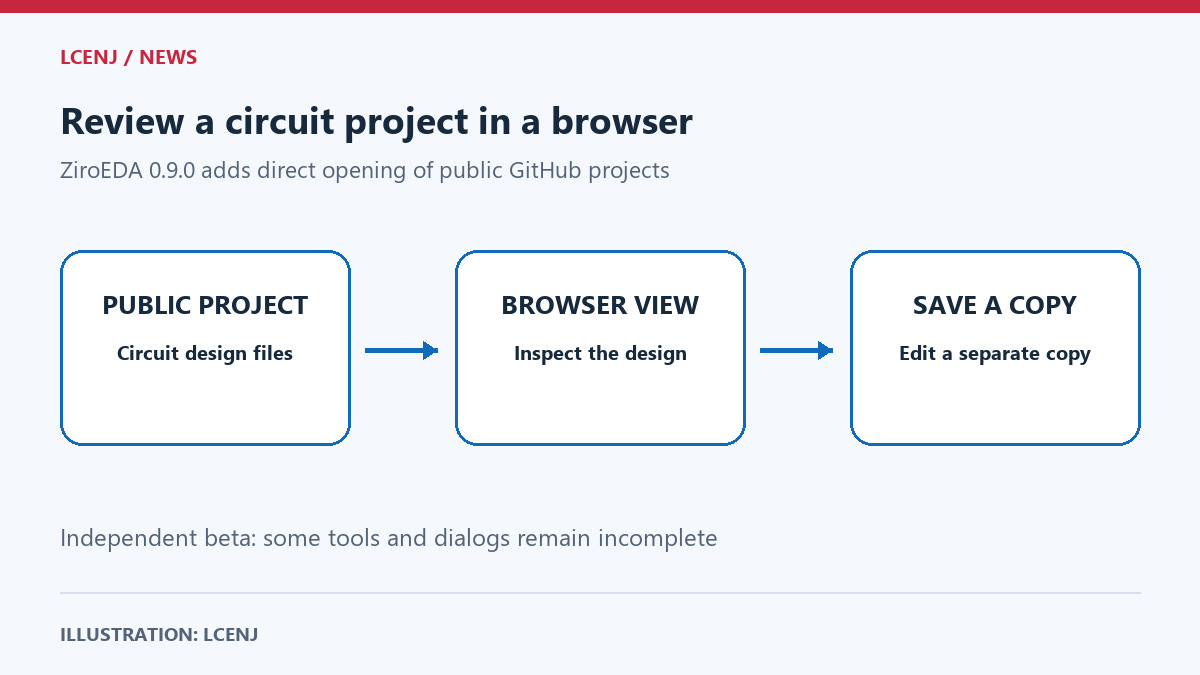
ZiroEDA’s latest update lets readers open a public online circuit project in a browser. A student could inspect component positions and connections on a laboratory computer without installing a design program. The tool remains in beta, and some features are incomplete.
What does a circuit design show?
A schematic shows how components connect. A board layout places the physical components and connection paths on the surface where they will be mounted. These are two views of a design; seeing them does not mean the device has been built or works.
What changed in this release?
The 0.9.0 changelog, dated 20 October, adds direct opening of public projects from GitHub, a website for storing and sharing project files. A project first opens for viewing, with an option to save a copy for editing. The news is this addition, not the invention of browser-based circuit design.
Does it replace the original program?
ZiroEDA is independent of KiCad, a circuit-design program, and is not endorsed by that project. Its authors say some dialogs and tools remain unfinished, and recommend desktop KiCad for very large designs. Viewing a circuit or passing software checks does not establish that the physical circuit works.