suitable for
Children and teenagers interested in games, stories and animation, plus parents and beginning educators.
A free Scratch 3 course by Sadaf Tajik: explore programming, the interface, motion, events, saving projects, costumes and repeat loops in six lessons.
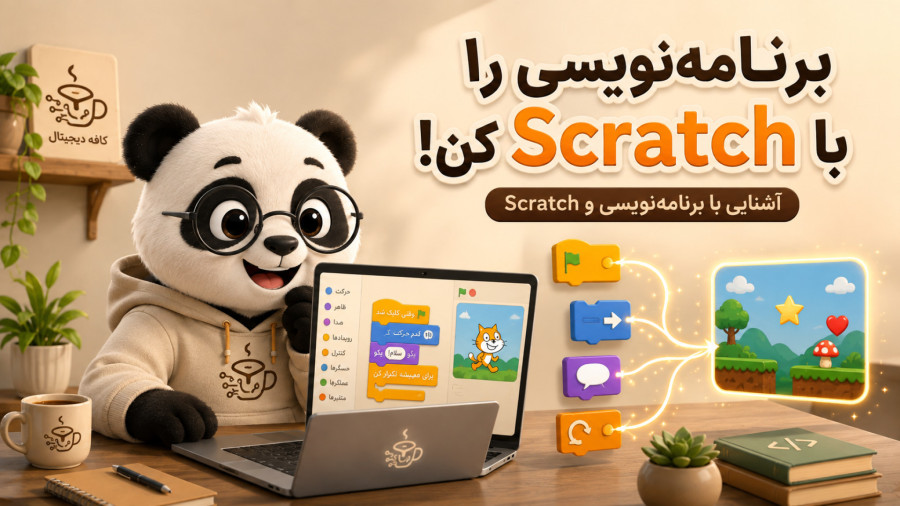
Begin with programming concepts and the Scratch 3 interface, then build a simple project step by step. Connect sprites and backdrops with motion, dialogue, saving, events and costume changes. The lessons focus on trying blocks in projects and assume no previous programming experience.
Watch the lessons in order and try the suggested practice on each page. Pause the video when needed, revisit difficult sections, and review your work with a parent or educator.
Is the course free? Yes. All currently available lessons are free, and you can watch them without purchasing or signing in.
Are the videos in Persian? Yes. The videos retain the instructor’s Persian audio. Descriptions and the learning path are also available in the English site edition.
Does this list include future lessons? This page contains the videos available in the playlist at publication. The current lesson count is shown at the top of the page.
Begin with programming concepts and the Scratch 3 interface, then build a simple project step by step. Connect sprites and backdrops with motion, dialogue, saving, events and costume changes. The lessons focus on trying blocks in projects and assume no previous programming experience.
Children and teenagers interested in games, stories and animation, plus parents and beginning educators.
Access to a compatible Scratch 3 version; a computer or laptop is convenient for following the exercises.
Build and save a simple project with motion, dialogue, click and keyboard events, costume changes and repeats.
Each step has its own page, a practical explanation and a synergistic section for questions and answers.